Record. Share.
Move on.
Qumra captures your screen, uploads instantly, and hands you a link your team can comment on — no meeting required.
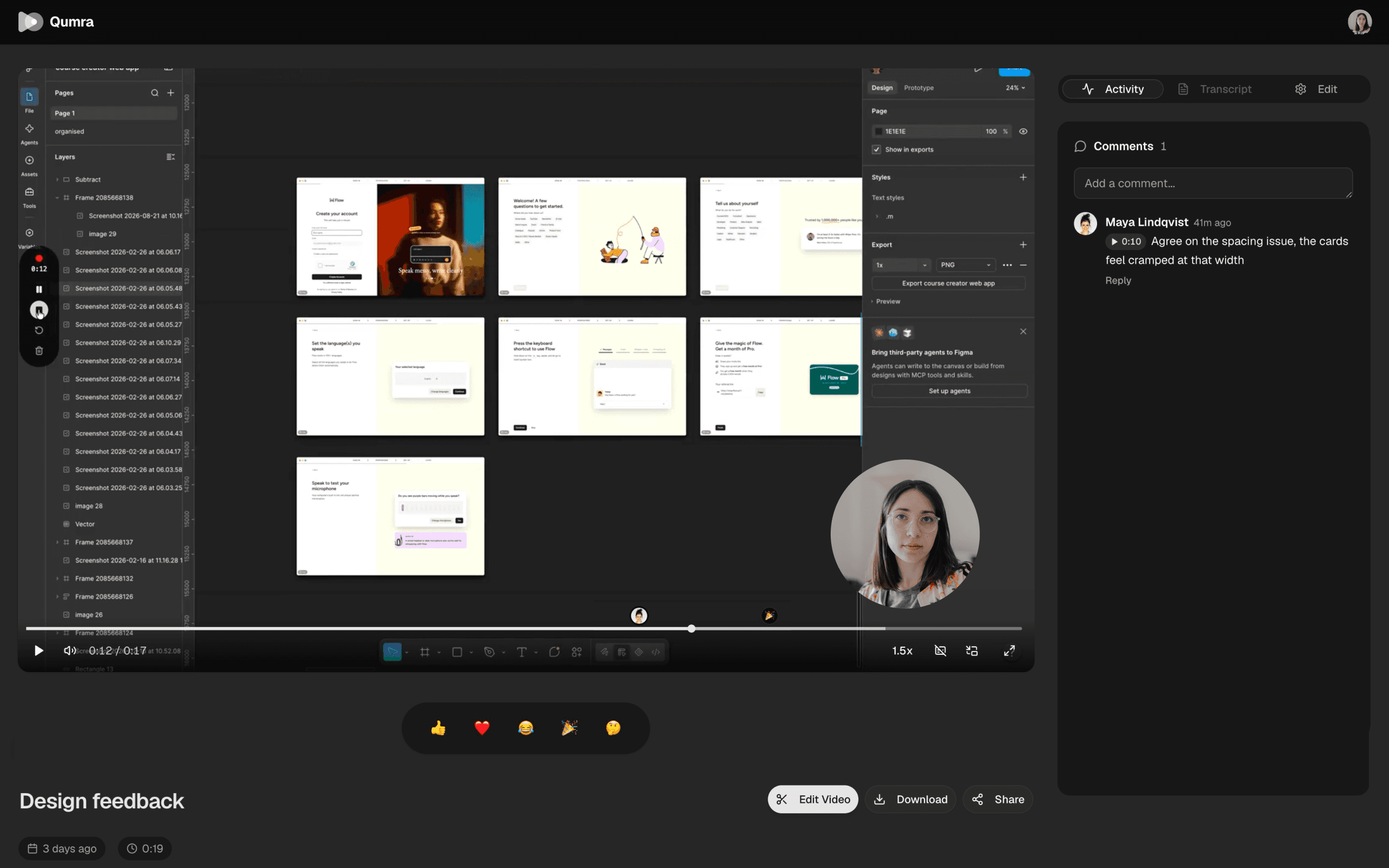
How it works
Three steps, no scheduling.
Record
Capture your screen, camera, or both — full screen, a window, or a region.
Share
Uploading happens while you record. The moment you stop, your link is ready to paste anywhere.
Discuss
Viewers leave comments at exact timestamps, so feedback lands where it belongs.
Features
Everything a meeting does, without the meeting.
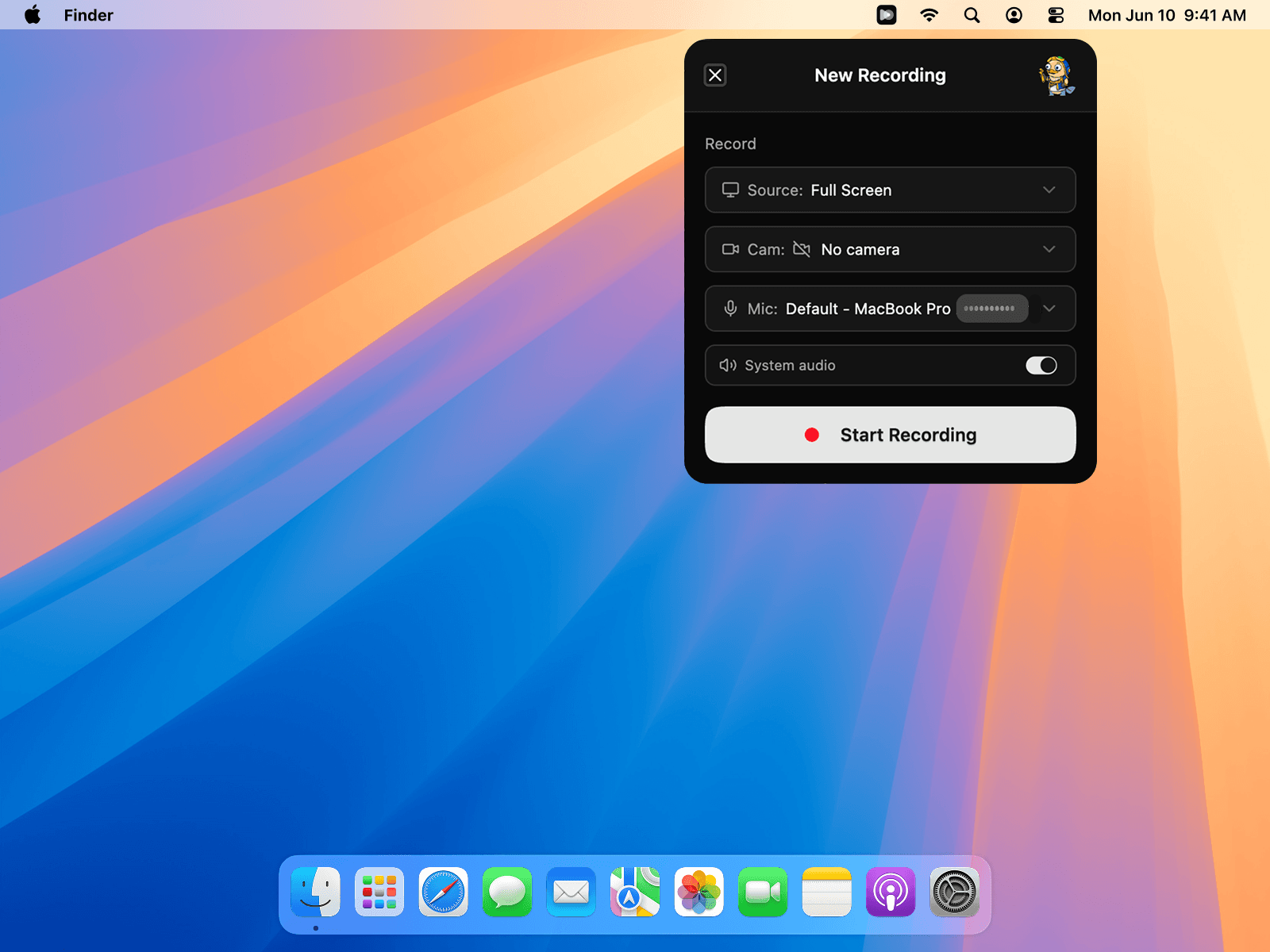
Capture
Record exactly what matters.
Full screen, a single window, or a region — with your camera and system audio when you want them. Switch sources without stopping the recording.
Collaborate
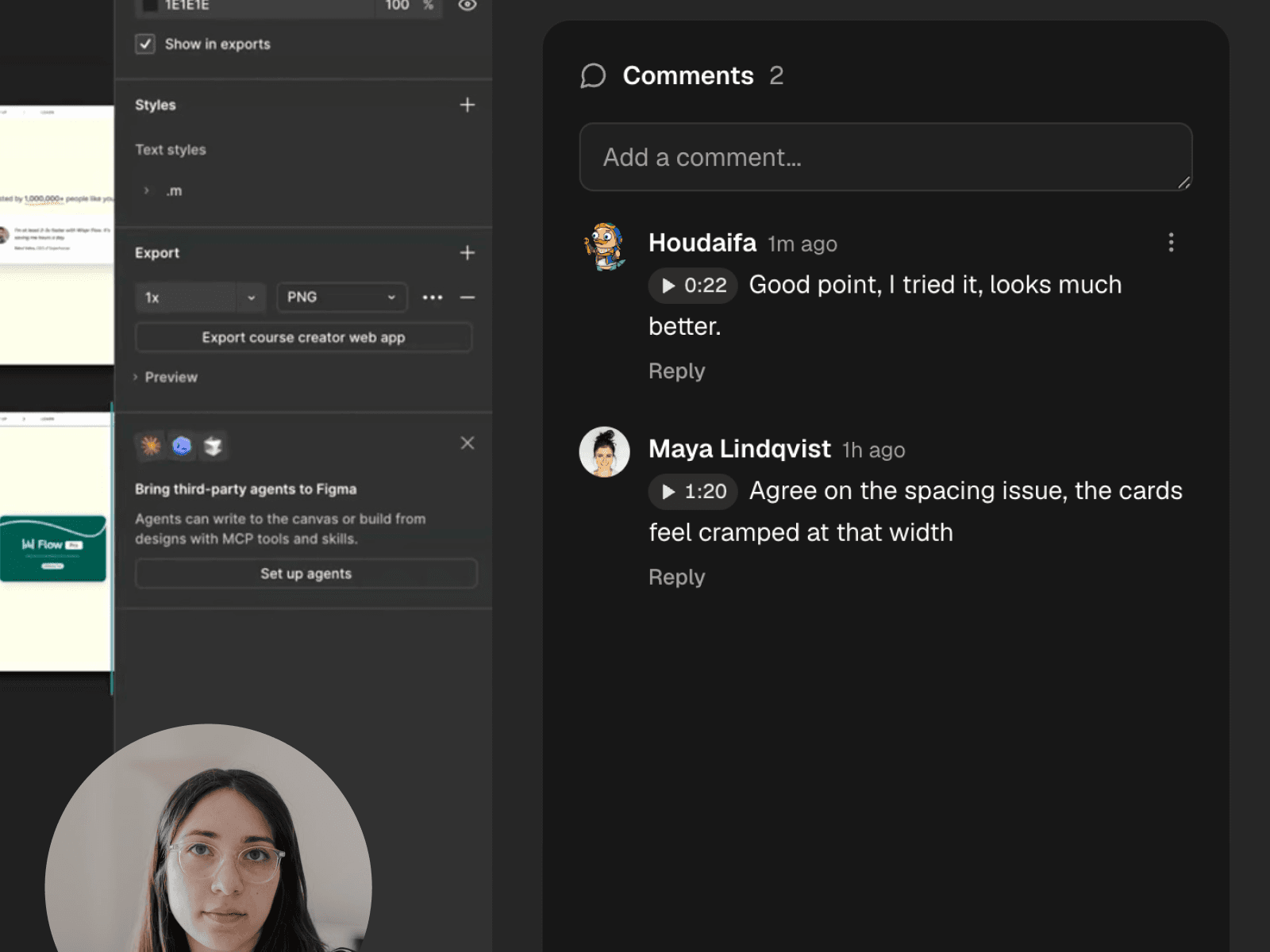
Feedback that points at the moment.
Comments attach to timestamps, turning a recording into a threaded conversation. No more "around the 4-minute mark" — the discussion lives exactly where it happened.
Search
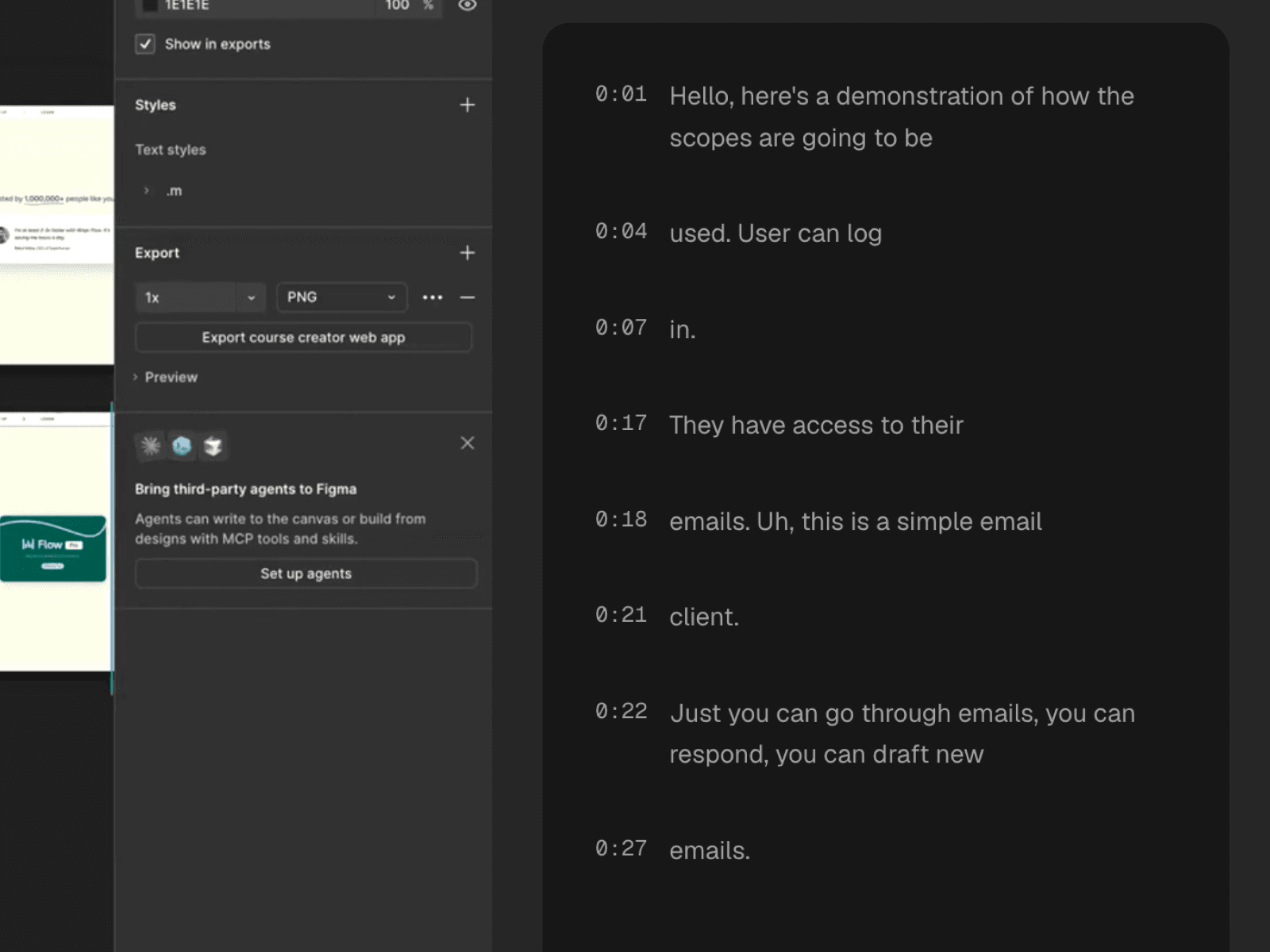
Every word, written down.
Recordings are transcribed automatically, so your library is searchable and every video is skimmable. Jump to the sentence instead of scrubbing the timeline.
Edit
Cut it yourself, or just ask.
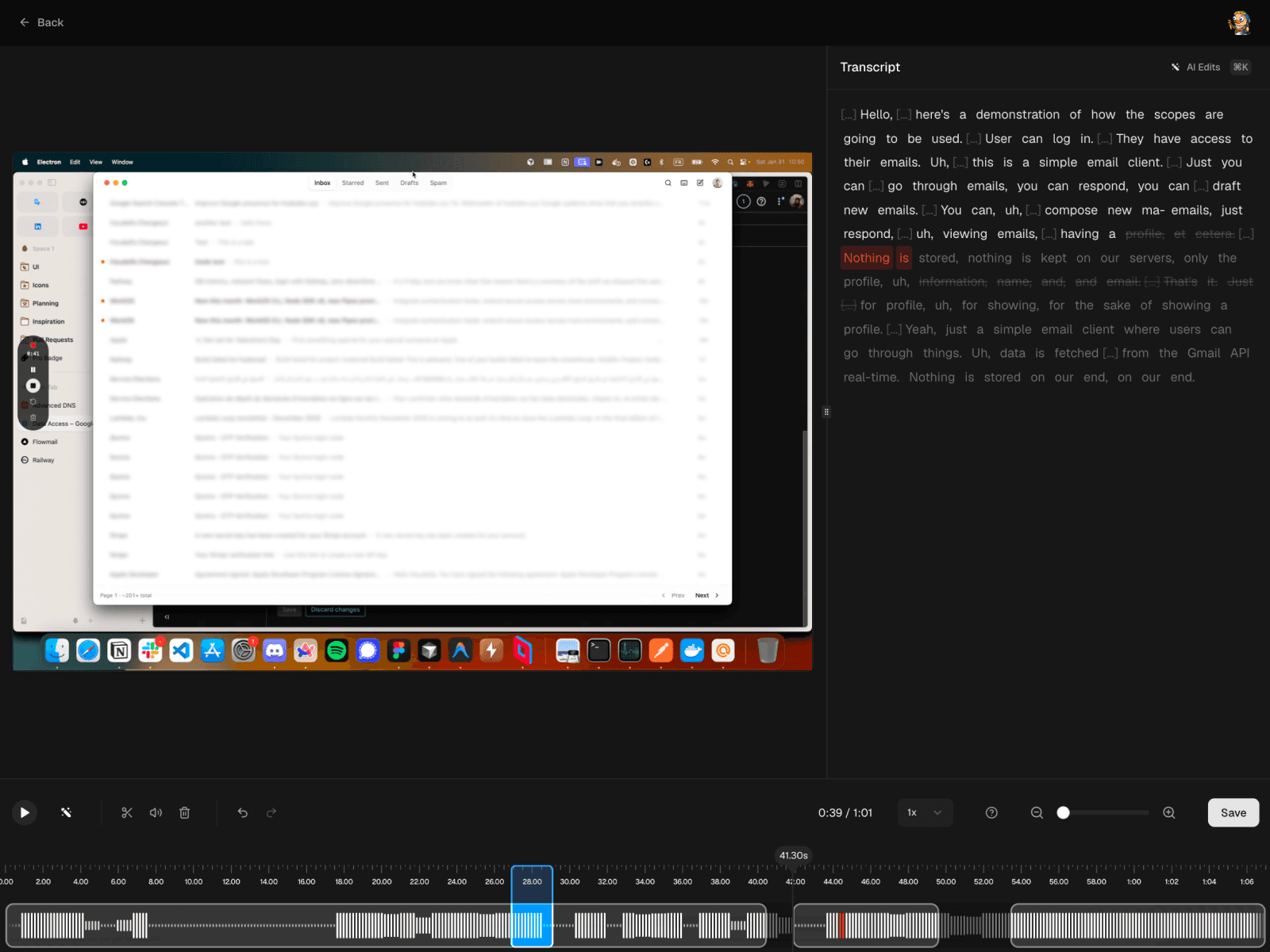
Trim on the timeline when you want control, or let AI do it — strip the filler words, or tell it which part to remove. Edits work on the transcript, so deleting a sentence deletes the footage, and rendering happens in the cloud so your machine stays free.
Pricing
Simple, honest pricing.
Start free. Upgrade when you outgrow it.
Free
For quick recordings and small libraries.
Forever
- Up to 30 recordings
- 5 minutes per recording
- Instant share links
- Timestamped comments
Premium
7-day free trialFor people who record every day.
- Unlimited recordings, unlimited length
- Full AI transcription
- Video editor — cut manually or let AI do it
- Everything in Free